T-shirts, mugs, and other such stuff
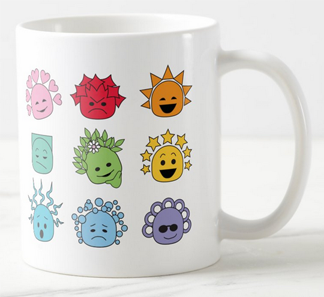
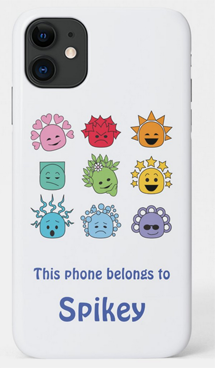
The Kids and Caboodles site was created to have lots of free stuff on it, but some of the characters are so cute, you might want to have a T-shirt of them, or a mug, or -- hey! -- even a cell phone cover, why not? So I thought I'd make some of it available for sale on Zazzle. Check it out:
Shop for a personalized gift at Zazzle. Once you find a design you want to use, click on it even if it's got text you don't want, or even if it's not on the kind of product you want.
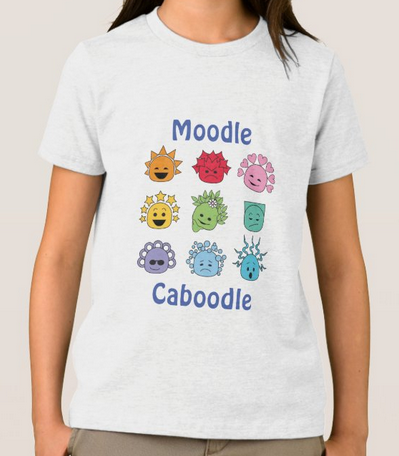
Let's use the "Moodle Caboodle" T-shirt as an example.
You have two options:
Edit the product
- To change or remove the text, click on the button that says "Personalize this design."
- Make any changes you want to the text (or remove it altogether).
- You can also adjust the picture's alignment or scale if you want to.
- When you're done editing, click "Save and exit" (top left of the webpage).
- Below the Personalize button, under the heading "Style," use the drop-down menu to choose Men, Women, or Kids.
- For instance, if you change it to "Kids," the pictures below it will change to styles for kids. If it doesn't change right away, be patient: it can sometimes be very slow.
- If you don't like the default (basic T-shirt), click on the "See more" link next to the pictures so you can choose a different brand or style in the same category.
- Below that, use the next drop-down menu to choose the right size.
- Below that, click on the colour you want. The ones that cost more will show how much extra they cost.
- Now you're done, you can scroll back up to click on the Add to Cart button.
OR: Transfer the design to a different product
- Scroll down to where it says "Transfer design to a product", and click on "View all products."
- If you don't know what you want yet, you can browse the product pages, but if you do know what you want, it's faster to search for it in the search bar. For instance, you could enter "mug" to find all the mug styles available.
- Click on the picture of the mug you want.
- To change the design (change or remove the text, or re-position the picture), click on the button that says "Personalize this design."
- Make any changes you want.
- When you're done editing, click "Save and exit" (top left of the webpage).
- Below the Personalize button, you have the option to change your mind about which mug style you want.
- Once you're satisfied with your changes, you can click on the Add to Cart button.